
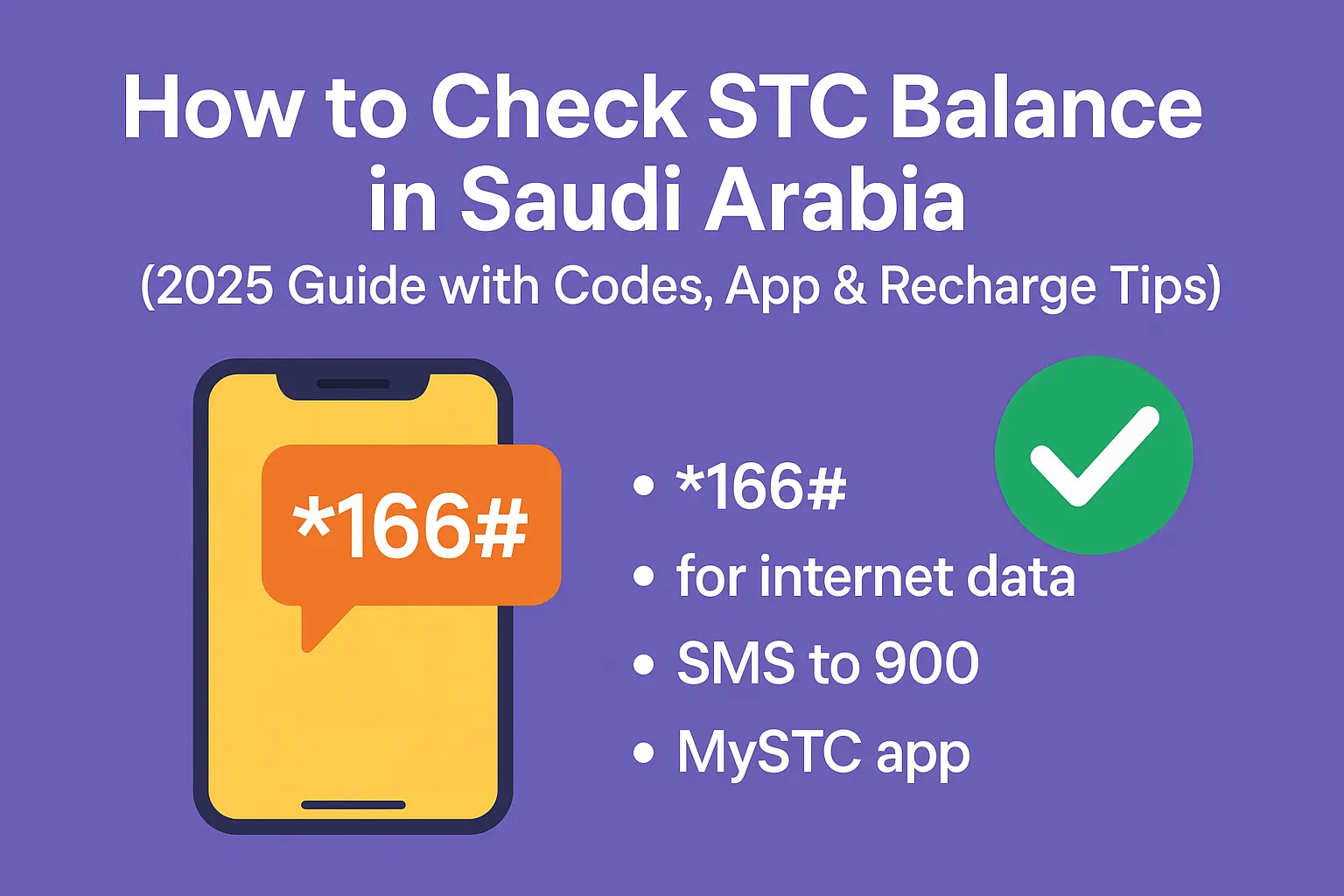
🟢 How to Check STC Balance in Saudi Arabia (2025 Guide with Codes, App & Recharge Tips)
How to check your STC balance – it’s the one thing most users forget about until it’s too late. Running out of STC credit (balance) while relying on mobile data or during a call can be frustrating.
We’ve all been there. One moment, you’re browsing the internet, and the next, your connection drops. The good news? Thanks to simple STC codes, the MySTC app, or even a quick text message, staying up to date is easier than ever.
Whether you’re using a prepaid SIM card, managing your balance online or internet balance, or making credit transfers, this guide has it all covered.
No more guesswork, no more interruptions during calls, just complete control over your SAWA balance, and access it anytime, anywhere.
🟨 TL;DR – Quick Summary
Need to check your STC balance fast in Saudi Arabia? Just dial *166# for your main balance or *8885# for internet data. You can also send an SMS to 900 or use the MySTC app to view your usage, recharge, or transfer credit. Whether you’re using a prepaid, postpaid, or visitor SIM, this guide shows you the easiest ways to avoid unexpected disconnections. Plus, find codes to send balance internationally, fix errors, and manage your data smartly in 2025.
Why Checking Your STC Balance Is Essential in Saudi Arabia
Running out of credit (balance) isn’t just annoying; it can leave you in a difficult situation, especially if you rely on mobile data or are trying to communicate with family abroad.
For prepaid users, it’s essential to stay informed. And if you’re on a postpaid plan, unnoticed overuse could lead to an inflated bill.
So why take the risk?
Saudi Telecom Company (STC) offers multiple ways to check your balance, data, or active plans, so use them wisely.
How to Check STC Balance (Step-by-Step for All Users)
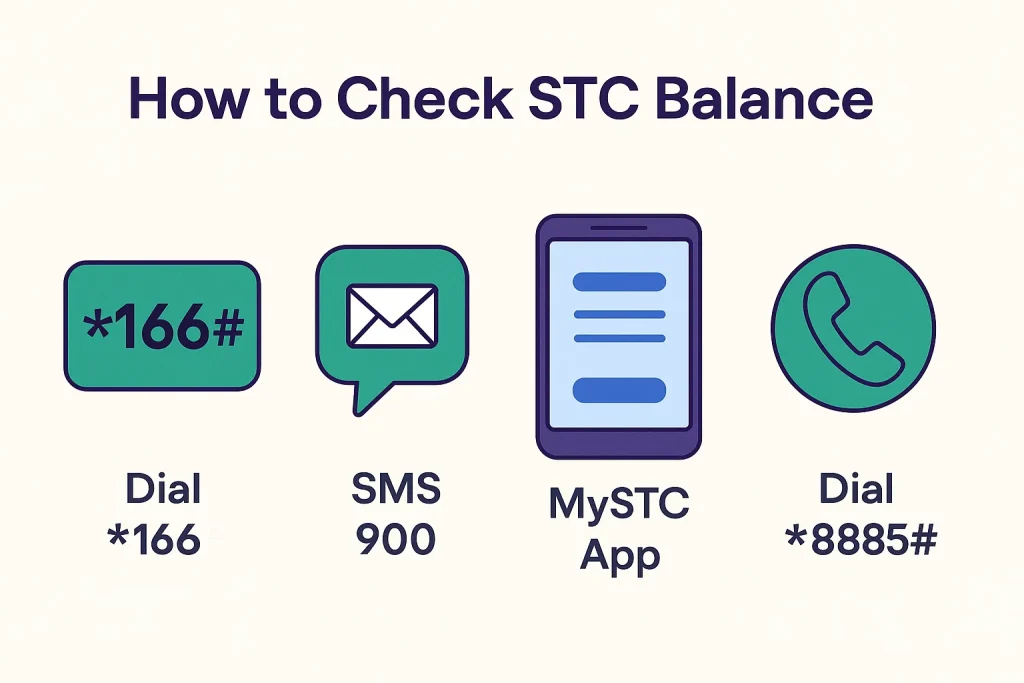
Method 1 – Dial a Quick Code (USSD)
Just pick up your phone and dial:
- *166# to check main balance
- *8885# to check internet balance
You’ll see a pop-up showing your available credit or data.
Method 2 – SMS to 900
- Send “166” to 900 for your SAWA credit balance
- Send “2220” or “Balance” to 900 for data balance
You’ll get a reply with full balance details.
Method 3 – Call the Helpline
Dial 900 from your STC SIM. Choose your preferred language and ask the agent to tell you your remaining balance or data usage.
Method 4 – MySTC App
Install the MySTC app from Google Play or App Store:
- Log in using your number
- Check data usage, credit, and more
Method 5 – Check via Website
Visit STC’s official site, log in, and head to the My Account section.
STC Recharge Methods (Online, Voucher & More)
USSD Recharge Code
Dial: *155*[Recharge Code]# — done in seconds.
Recharge via SMS
Text your recharge code to 900. Simple as that.
Recharge via Bank or ATM
Use your bank app, website, or Sadad system to recharge directly.
Recharge from Another Number
Text Amount [space] Number [space] 133 to 900 to top up someone else.
Compare STC Services: Prepaid vs. Postpaid vs. Visitor SIM
📱 Compare STC SIM Types
| Type | Best For | Recharge Options | Notes |
|---|---|---|---|
| Prepaid | Everyday users | Vouchers, STC Pay | Control expenses easily |
| Postpaid | Professionals | Auto Billing, STC App | Avoid balance runs but monitor usage |
| Visitor SIM | Tourists | Preloaded, App Top-up | Short-term with international minutes |
Common Issues While Checking Balance & Fixes
⚠️ STC SIM Troubleshooting – Common Issues & Quick Fixes
| Issue | Quick Fix |
|---|---|
| USSD Code Not Working | Check SIM, network, or restart your phone |
| No SMS Reply | Resend or check signal strength |
| MySTC App Not Loading | Reinstall or update your app |
| Balance Didn’t Update After Recharge | Wait 5 mins or call 900 |
Expert Tips to Manage STC Usage & Save Money
- Set up balance alerts in the MySTC app
- Monitor internet usage daily using *8885#
- Use Budget Control Service if you’re juggling postpaid and prepaid
- Download your usage reports monthly from the app for insights
⚠️ Important for Makkah Residents: If you’re using your STC SIM during Hajj season, be aware of strict Saudi laws on hosting visitors. Read this guide on the 100,000 SAR fine for sheltering Hajj violators, stay informed and avoid legal trouble.
🕋 Planning to perform Hajj this year? Don’t risk invalidating your pilgrimage due to common errors. Check out the top 10 Hajj mistakes that could invalidate your pilgrimage in 2025, a must-read fiqh-based guide for every pilgrim.
International Balance Transfer from STC (Pakistan, Philippines & More)
How to Transfer to Pakistan
Dial *134#, follow prompts, or SMS format: Amount [space] Number [space] 144
How to Send a Load to the Philippines
Use the same method or the MySTC app’s international top-up section.
More Useful STC Services You Should Know
- Borrow 5 SAR emergency credit – SMS 1 to 808808
- Change STC system language – SMS 1390 to 900
- STC Wi-Fi setup – Log in through MySTC or call 900
- Get eSIM – Order from the MySTC app or an STC centre
STC Balance & Internet Codes – Most Asked FAQS (2025 Update)
❓ STC Balance, Data & Package FAQs
Final Words – Stay Ahead with STC
Checking your balance isn’t just a routine; it’s a way to control your account balance.
Whether you’re a tourist, a student, a worker, or a resident of Saudi Arabia, these simple tips will help you avoid surprises, interruptions, and excessive fees or overcharges.
👉 Save this guide. Share it with your friends. Always stay informed.
You Can Also Read
- How to Inquire Balance in STC – Complete 2025 Guide
- How to Check STC KSA Number – Easy 2025 Methods for SIM Users
- How to Check STC Balance in Saudi Arabia (2025 Guide with Codes, App & Recharge Tips)
- STC SIM Activation 2025: Avoid These 7 Mistakes & Activate in 5 Minutes
- stc App Guide 2025: 7 Hidden Hacks & Avoid Nafath Nightmares
- How to Get STC PUK Code in Saudi Arabia (2025 Fix Guide to Instantly Unlock SIM)

Farrukh Farooqi has been living in Sharaya, Makkah, Saudi Arabia since 2010. With over 14 years of firsthand experience witnessing the sacred journey of millions of pilgrims, Farrukh specializes in providing practical, insider tips for Hajj and Umrah travelers. His work blends real-world observations, the latest Saudi updates, and essential crowd management strategies — helping pilgrims and worshippers plan smarter, stay safer, and experience a spiritually fulfilling journey across the Holy Cities.


