
Mobily Balance Check 2026 – Easy Code, App & Data Methods for Saudi Users
You’re on your way to a job interview. You need directions, so you open Google Maps. Nothing loads. No signal, no internet. The issue? Your Mobily balance ran out without you realising it.
✅ TL;DR – Quick Summary

Mobily balance check. Sounds simple, right? But if you’ve ever had your internet stop working right when you needed it, during a taxi booking or an online payment, you already know how frustrating it can be. No warning.
No alerts. Just silence. And most of the time, it’s because your Mobily SIM balance or data package ran out without you knowing.
Let’s be honest, we all rely on mobile data a lot more than we used to. From food delivery and video calls to online banking and school apps, everything needs a connection.
In Saudi Arabia, especially, staying connected isn’t a luxury; it’s a necessity. And when your balance disappears out of nowhere, it can throw your entire day off.
That’s why checking your Mobily internet balance regularly matters. This guide will walk you through the latest ways to do it in 2026.
You’ll learn how to check using Mobily’s USSD code, send a quick SMS, or open the Mobily app to get all your info in one place. No guesswork. No missed updates. Just simple ways to stay in control.
- How to Recharge Mobily SIM in Saudi Arabia – Fast, Easy, No Mistakes (2025)
- Zain Balance Check Saudi Arabia – Easy 2025 Guide for Internet, Data & Call Credit
- How to Check STC Balance in Saudi Arabia (2025 Guide with Codes, App & Recharge Tips)
- Mobily Pay FAQs 2025 – Secure Login, Transfers, Cards, Limits & Wallet Help
- How to Check STC KSA Number – Easy 2025 Methods for SIM Users
- How to Check STC Data Balance in Saudi Arabia – 2025 Internet Guide
Why You Need to Check Mobily Balance in Saudi Arabia
Mobile Usage Trends in Saudi Arabia (2026)
Did you know that over 94% of people in Saudi Arabia now use mobile data for everything from banking and ride-booking to government services?
That’s why keeping an eye on your Mobily SIM balance isn’t just smart, it’s essential.
Problems Mobily Users Face Without Balance Awareness
- Suddenly losing connection during an online payment
- Missed job interviews or doctor calls
- Logged out from banking apps or your Tawakkalna account
- I wasted time figuring out what went wrong
Importance of Real-Time Balance Monitoring
With the right tools, you can see your balance and internet usage live, avoid surprise cutoffs, and always stay in control. Whether you’re on prepaid or postpaid, Mobily gives you a few super simple ways to check everything.
How to Check Mobily Balance in 2026 (Step-by-Step)
Method 1 – Check Mobily SIM Balance via USSD Code
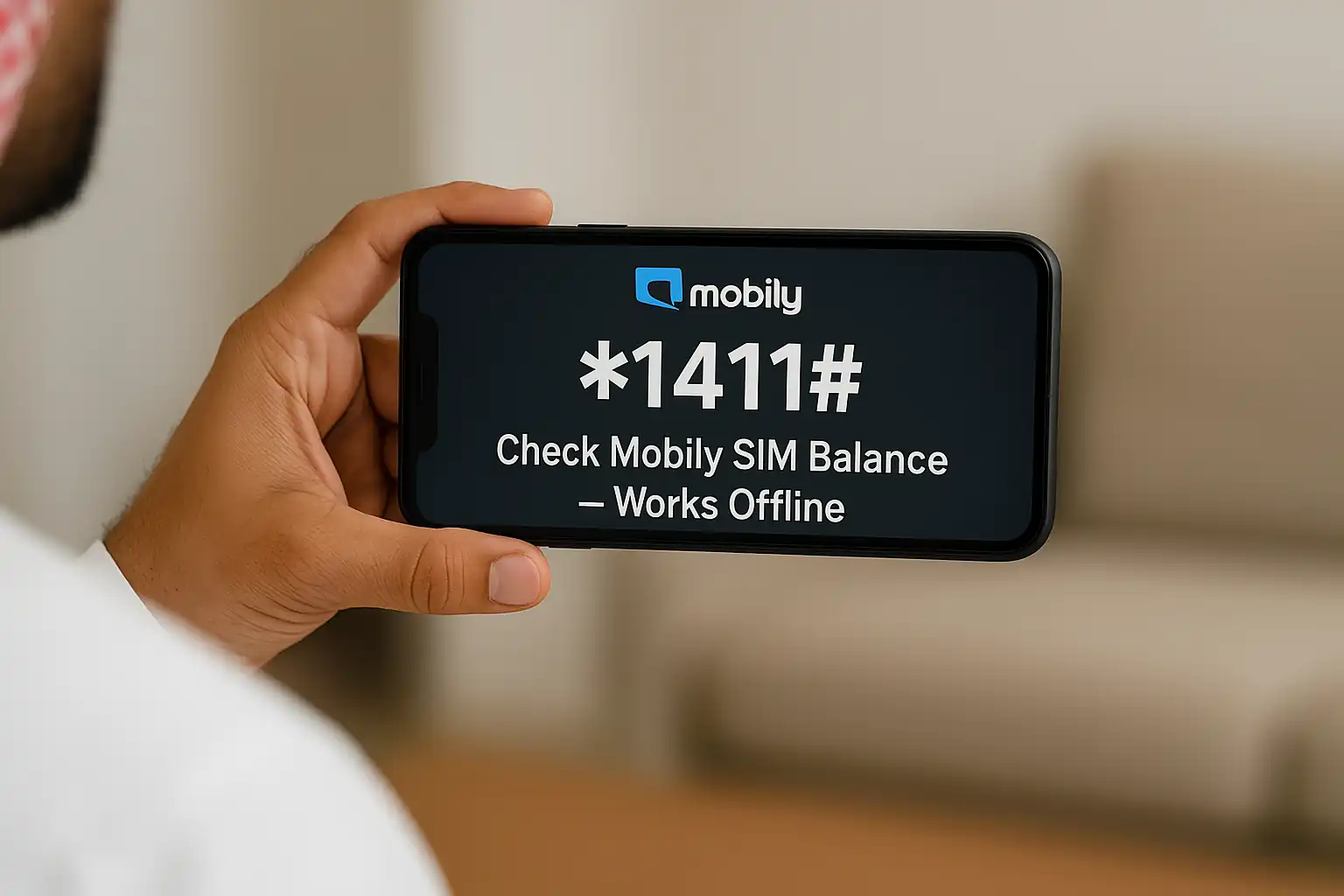
Just dial *1411# on your Mobily phone. That’s it.
Your remaining balance will pop up on the screen in seconds.
✅ No internet required
✅ Works for both prepaid and postpaid
✅ Available 24/7
Method 2 – Check Mobily Data Balance via SMS
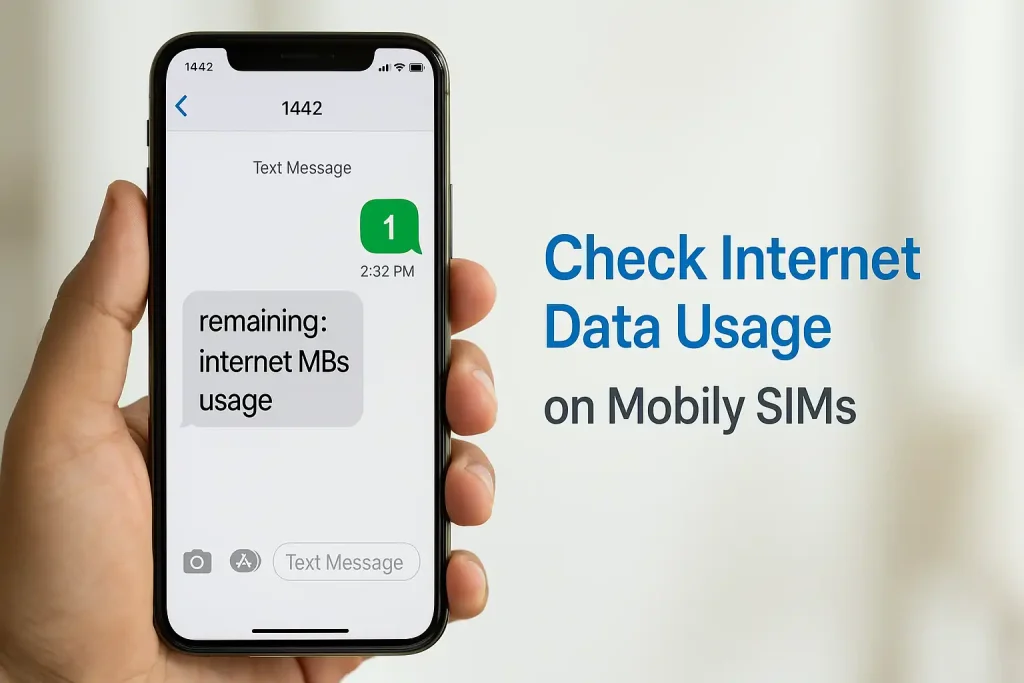
If you want to check how much internet data (MB) you have left, just:
Send “1” to 1442
You’ll get an instant SMS with your remaining Mobily internet balance.
It’s great for feature phone users or when your data is low.
Method 3 – Check Balance via Mobily App
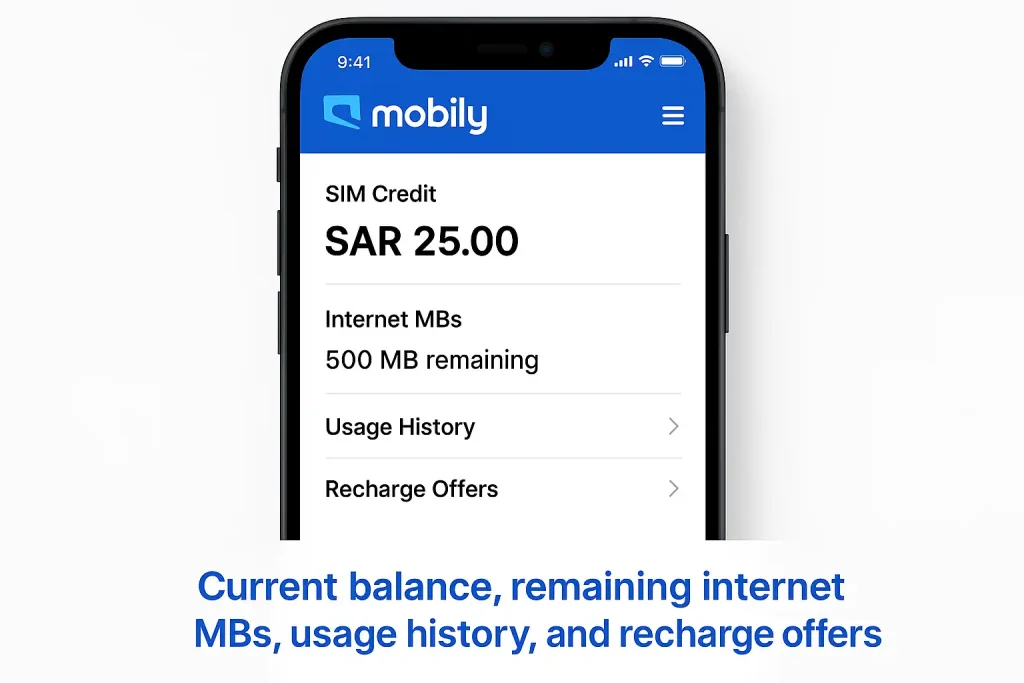
The Mobily app gives you the full picture:
- SIM credit
- Internet MBs
- Usage history
- Offers and recharge options
Steps:
- Download the Mobily app from the Play Store or App Store
- Sign in with your Mobily number and password
- On the dashboard, you’ll see all your current balances
👉 Pro Tip: The app is free to use on Mobily’s network — it won’t consume your data.
Method 4 – Call Mobily Helpline (1100)
- Are you not a fan of apps or codes? No problem.
- Just call 1100 and press 2 to get your balance details.
- The system will read out your credit or data info clearly.
- It’s perfect for older users or anyone who prefers voice support.
Mobily Internet Balance, Packages & App Dashboard Explained
How to Check Internet MBs via App or SMS
If you’re only interested in data usage, you’ve got two options:
- Via SMS: Send “1” to 1442
- Via App: Open the dashboard > tap on “Internet Usage”
This helps you track if your daily or monthly MBs are about to run out.
Dashboard Tools: Add-ons, Data Packs & Renewals
On the Mobily app dashboard, you can:
- View daily/weekly/monthly data packs
- Buy extra MBs
- See usage trends
- Renew expired packages with one click
It’s simple, clean, and beginner-friendly.
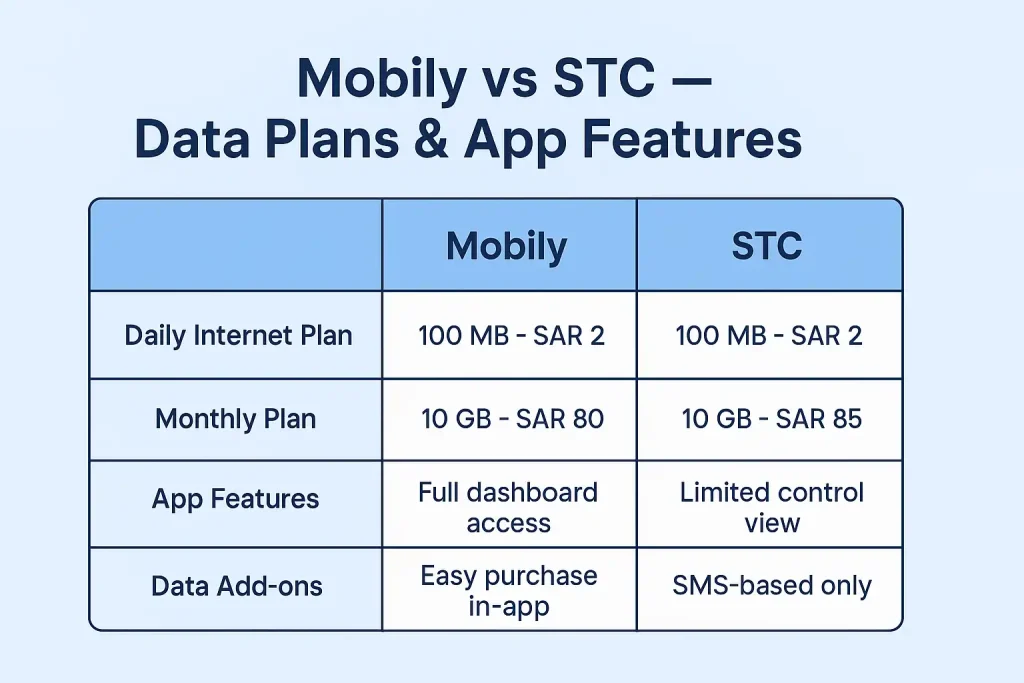
Compare Mobily vs. STC Data Services (2026)
📊 Mobily vs STC – Data Plans & App Features (2026)
| Feature | Mobily | STC |
|---|---|---|
| Daily Internet Plan | 100 MB – SAR 2 | 100 MB – SAR 2 |
| Monthly Plan | 10 GB – SAR 80 | 10 GB – SAR 85 |
| App Dashboard Features | Full dashboard access | Limited control view |
| Data Add-ons | Easy purchase in-app | SMS-based only |
Common SIM & Balance Issues + Expert Tips
Why Your Mobily Number Might Get Blocked Temporarily
- Did you type your SIM PIN wrong 3 times?
- Your card gets locked.
- Use your PUK code (on your SIM card holder) to unlock it.
- But be careful — if you enter the PUK code wrong 10 times, your SIM will be permanently locked.
How to Replace Your SIM Without Visiting a Store
Don’t want to visit a Mobily centre?
No worries.
- Open the Mobily app
- Go to SIM services
- Request a replacement eSIM or physical SIM delivery
You can also switch between SIM types or upgrade to 5G this way.
Expert Tip: Set Daily Data Alerts & Use App Wisely
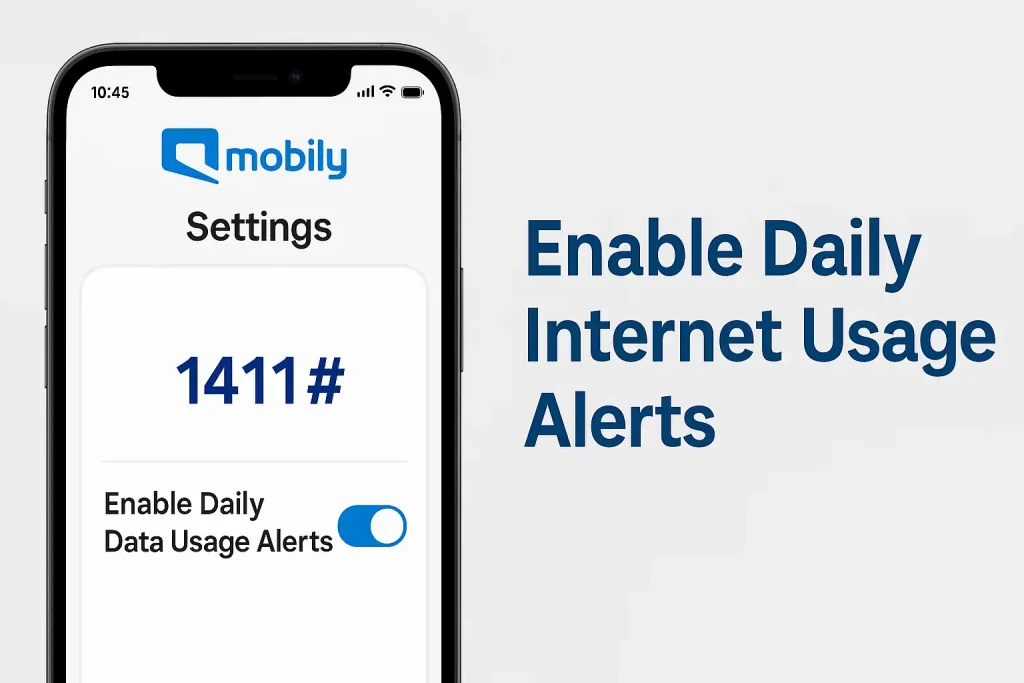
Enable data usage alerts in the Mobily app settings.
It will warn you before your data runs out — super helpful if you’re travelling or streaming often.
FAQs – Mobily Balance & SIM Help
❓ Frequently Asked Questions – Mobily Balance & Data Check 2026
How do I check Mobily balance by code in 2026?
Dial *1411#, and your balance will appear instantly.
What is the SMS code to check Mobily data balance?
Send 1 to 1442 for an instant reply with your remaining data.
Can I check my Mobily balance while roaming?
Yes! Just use the Mobily app with Wi-Fi or roaming data.
How to log in to the Mobily app for a balance check?
Use your Mobily number + password and check your dashboard.
Is Mobily app usage free on the Mobily network?
Yes, it won’t consume any data if used on Mobily SIM.
How to find Mobily recharge or bonus offers?
Dial *6060# or open the app > Offers section.
What to do if balance is not showing?
Restart your phone, reinstall the app, or call 1100 for help.
How to check Mobily postpaid usage?
The same Mobily app dashboard shows both prepaid and postpaid details.
What happens if PUK is entered wrong 10 times?
Your SIM will be permanently blocked. You’ll need to replace it.
Can Mobily balance check work without the internet?
Yes — both USSD code and SMS methods work offline.
How do I check my Mobily balance online?
Open the Mobily app or visit the official Mobily website. Log in to see your SIM credit and remaining data.
Where can I find Mobily internet packages?
In the Mobily app under “Internet” or by dialing *6060#.
How do I check current Mobily offers?
Dial *6060# or open the app’s Offers section for the latest deals.
How to check my Mobily number if I forgot it?
Dial *222# from your Mobily SIM or check your account settings in the app.
🟫 Summary Table – Quick Codes & Tools
| Action | Method |
|---|---|
| Check SIM Balance | Dial *1411# |
| Check Internet MBs | SMS “1” to 1442 |
| Mobily App (Dashboard) | Login via Mobily App |
| Customer Support | Call 1100, press 2 |
| Offers & Bonuses | Dial *6060# or App > Offers |

Farrukh Farooqi has been living in Sharaya, Makkah, Saudi Arabia since 2010. With over 14 years of firsthand experience witnessing the sacred journey of millions of pilgrims, Farrukh specializes in providing practical, insider tips for Hajj and Umrah travelers. His work blends real-world observations, the latest Saudi updates, and essential crowd management strategies — helping pilgrims and worshippers plan smarter, stay safer, and experience a spiritually fulfilling journey across the Holy Cities.


